
Report bugs and feedback from your website to Shortcut
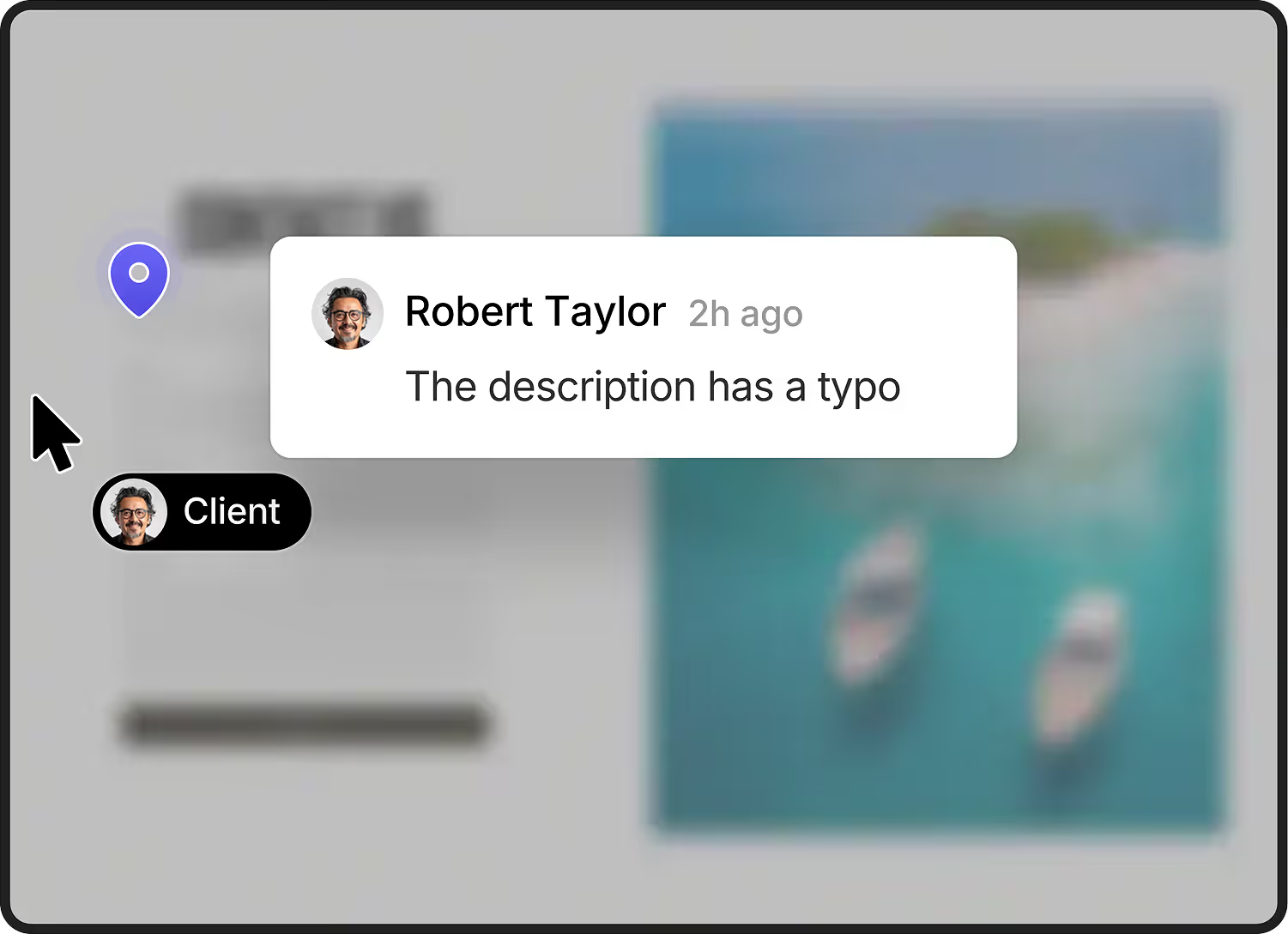
Clients leave feedback right on your staging site without needing an account or browser extension. Your team manages it inside Shortcut where they already work. Life's easier for all.
.svg)




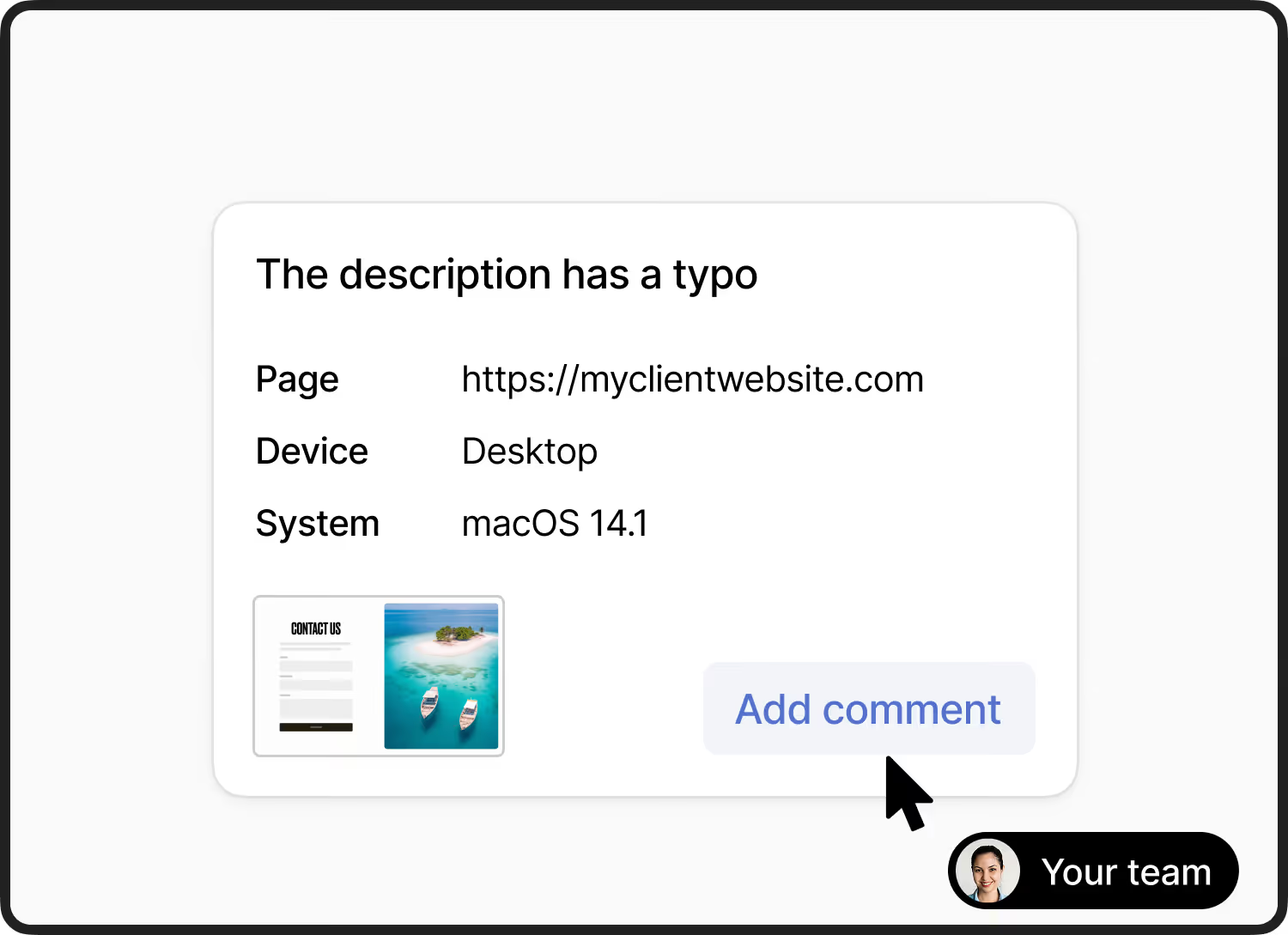
Feedback is automatically created as a story in Shortcut. It contains all the the information your developers need.
.svg)
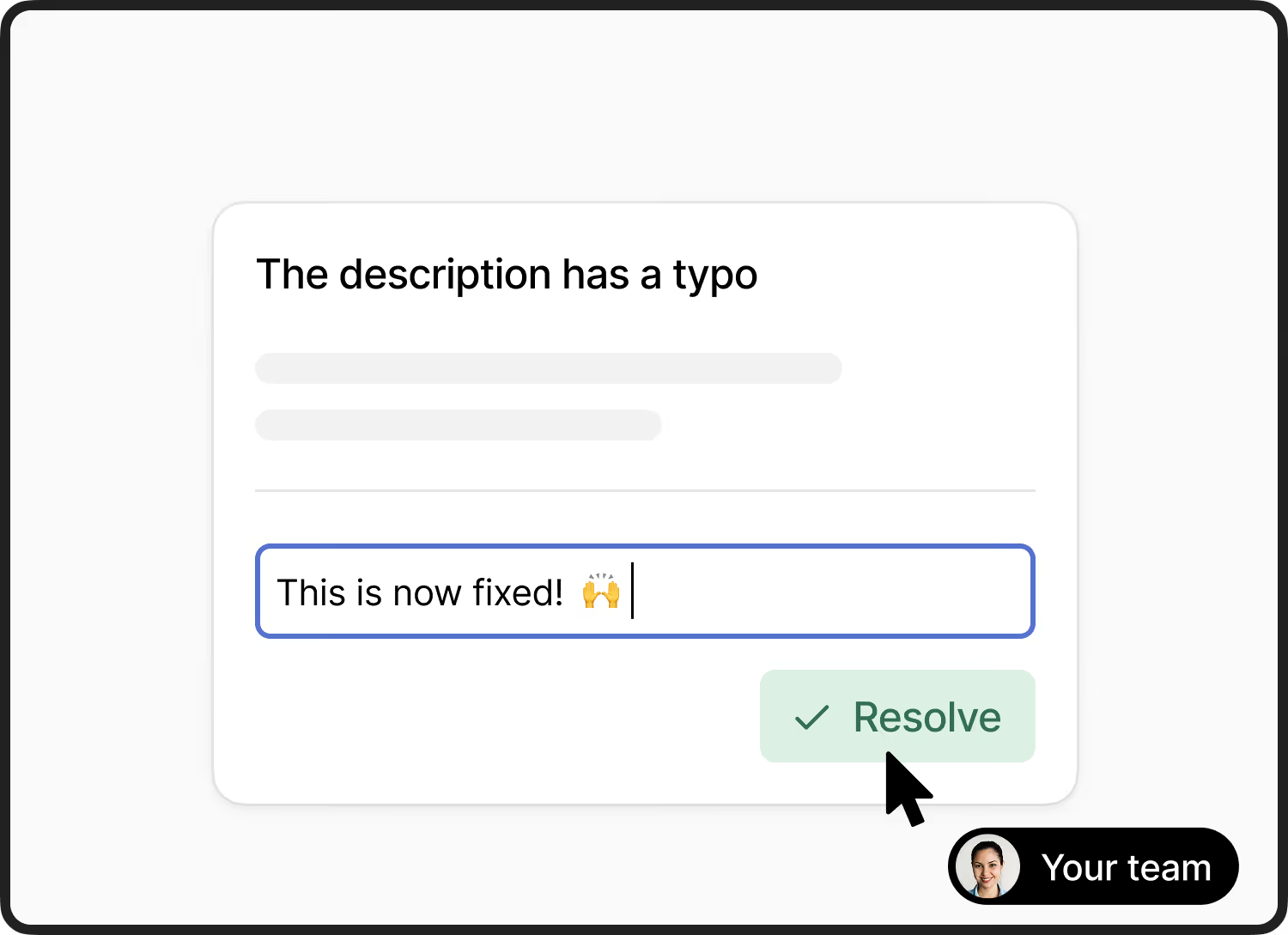
Your team can ask follow-up questions without leaving Shortcut. Deep two-way sync to manage feedback.
.svg)
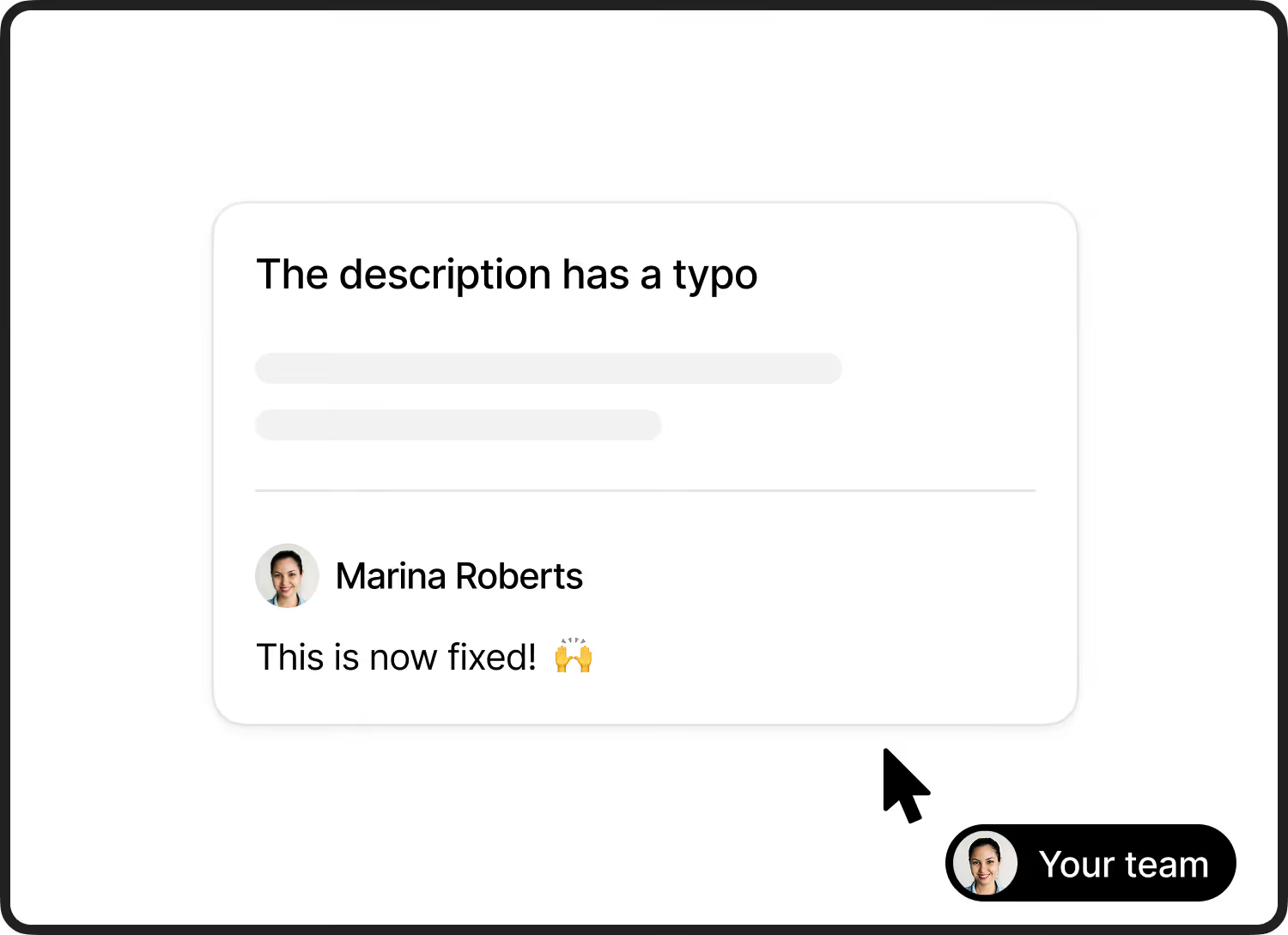
Resolve the feedback from Shortcut. Your team never has to leave your PM tool to manage the feedback.
No signups or downloads. Clients leave
feedback right on the staging site.
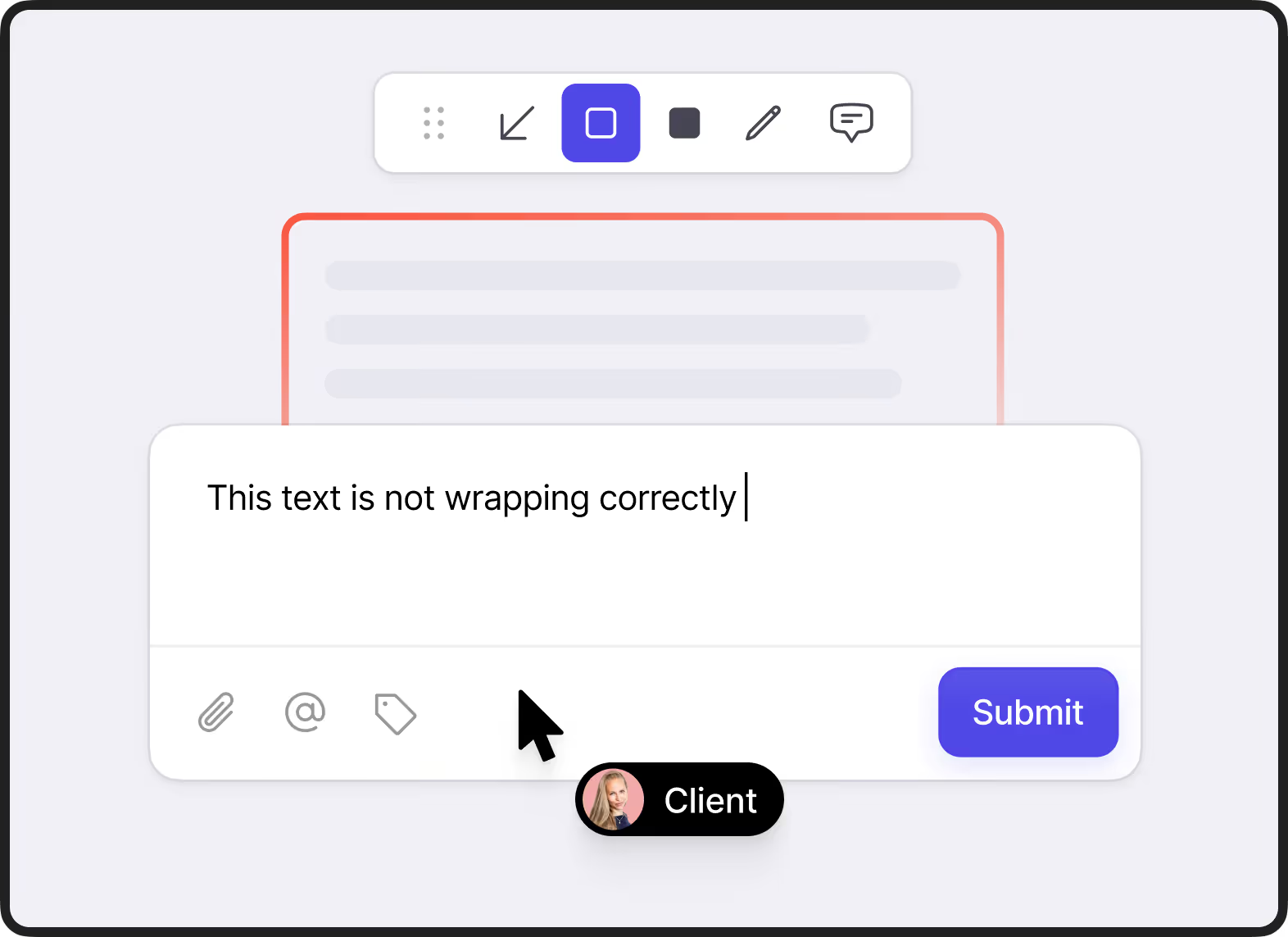
Clients click anywhere on the page to leave comments and annotations. Feedbucket takes automatically a screenshot of what they see.
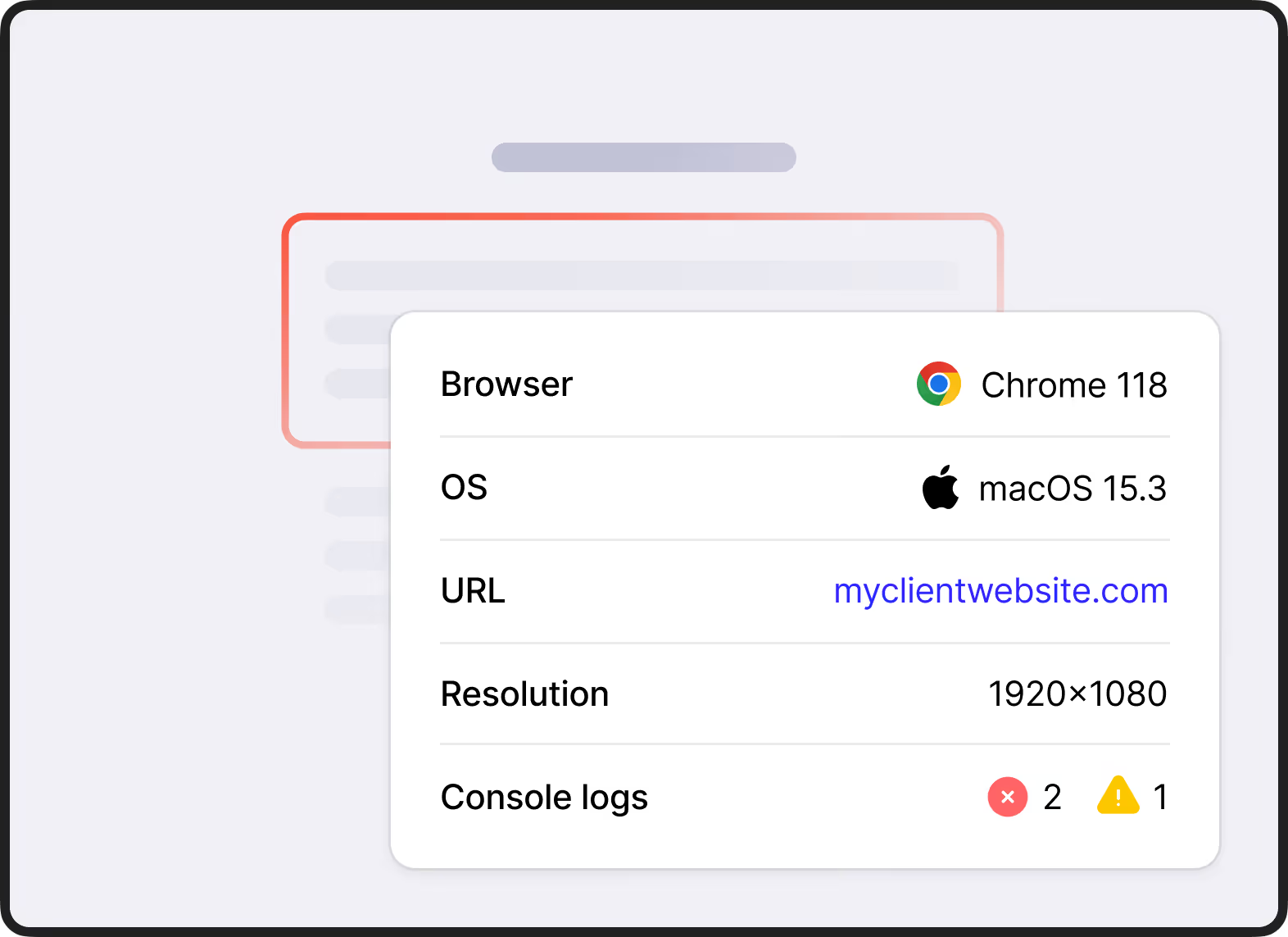
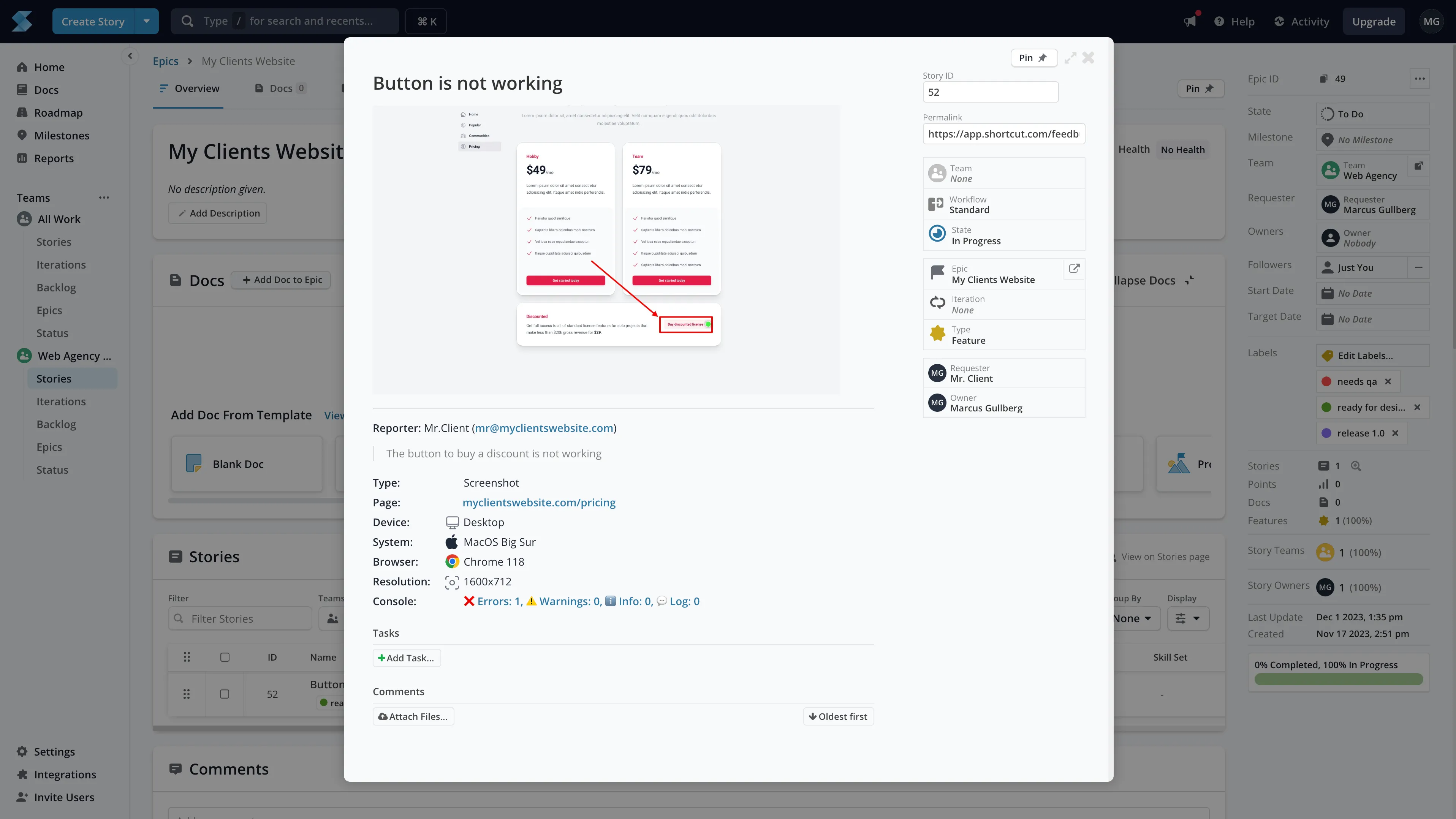
Feedbucket automatically captures the URL, browser, OS, resolution, console logs, and more when feedback is submitted. Everything your developers need.
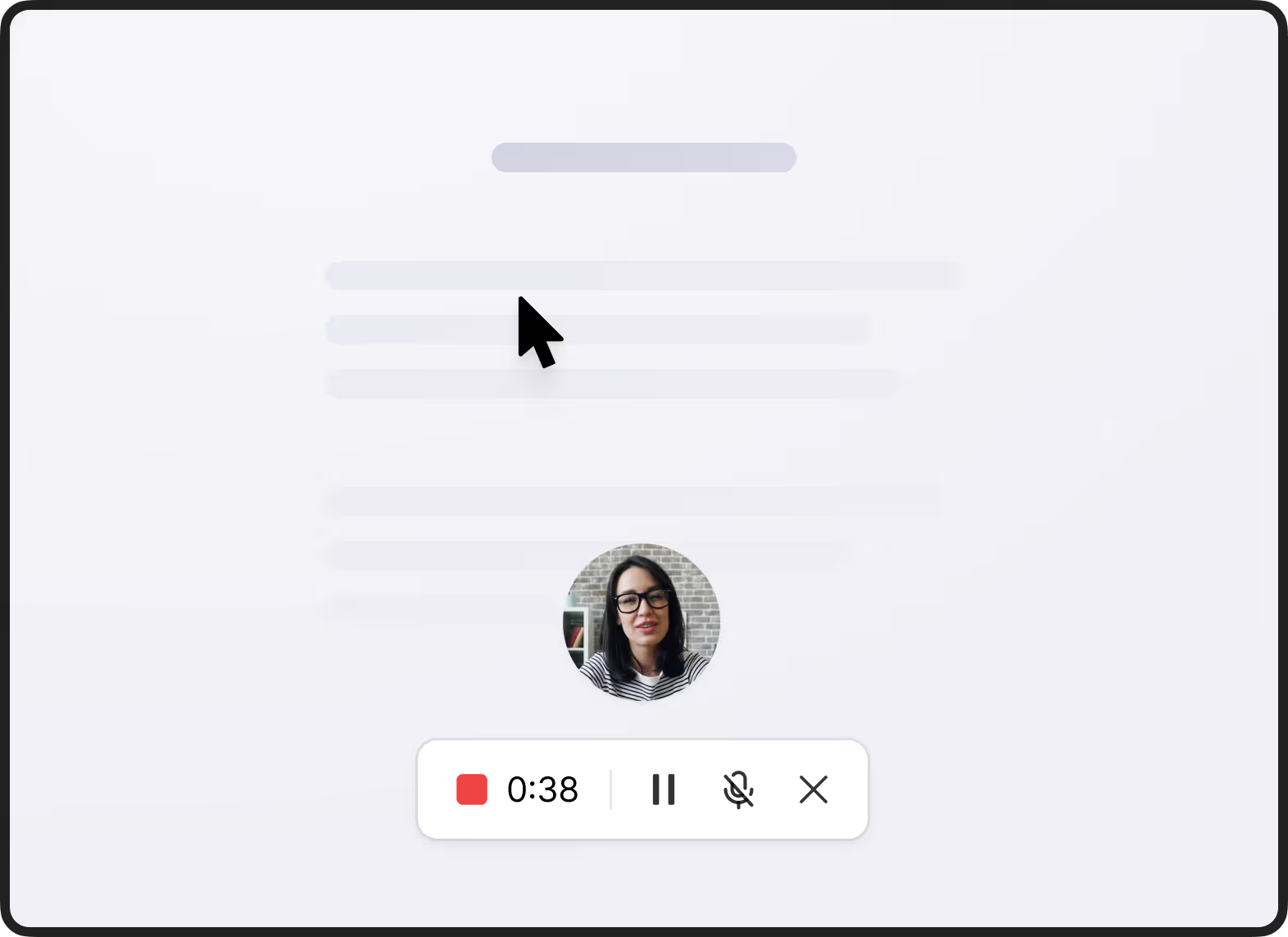
Some issues are tough to describe in words. Clients can record a video of the screen (with or without audio) directly in the browser. No downloads or software needed.
No additional platforms. Clients collaborate
on feedback right on the staging site.
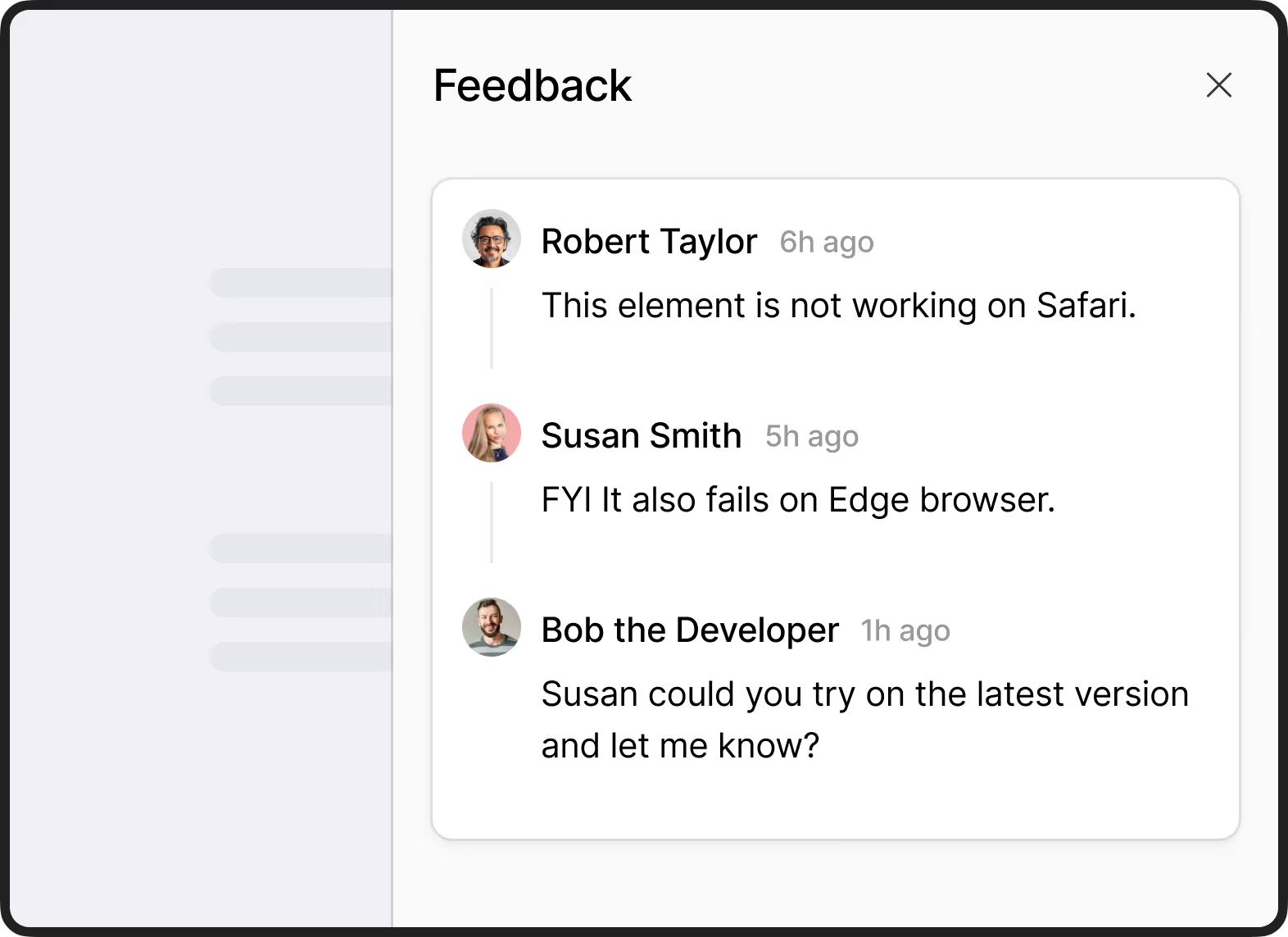
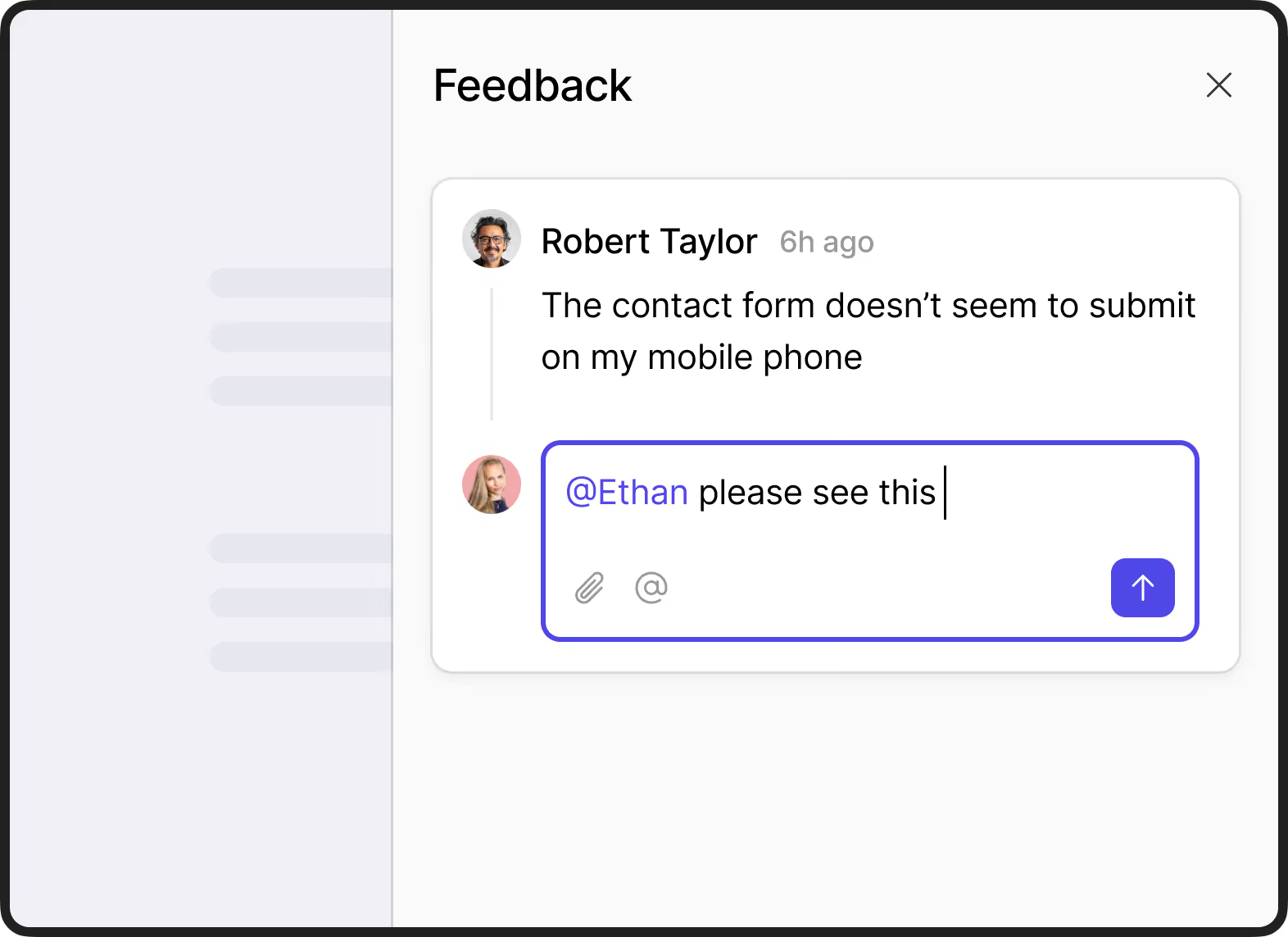
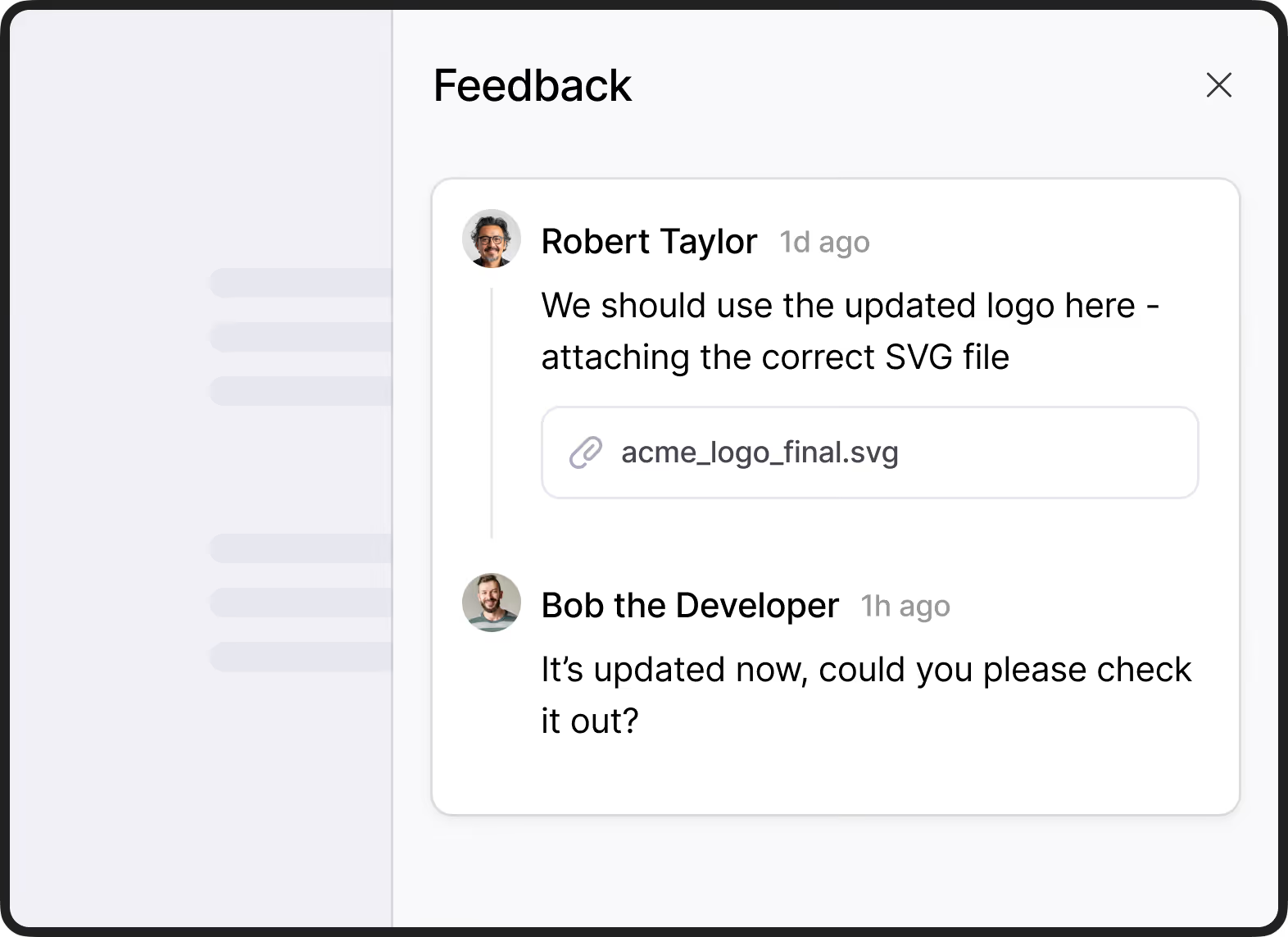
Clients, your team, and other stakeholders can comment and reply in one thread per feedback item. All comments sync automatically to the story in Shortcut.
Tag feedback to organize it and mention people to get their attention.
Clients can add attachments when submitting feedback or comments. Feedbucket uploads them straight to the story in Shortcut.

Everything your developers need. As a Story in Shortcut.
Get all the information that's needed to start working on the issue directly in Shortcut. Technical information and screenshot are automatically added by Feedbucket to your Shortcut story.
Integrate in three easy steps
Register for Feedbucket free trial
Frequently asked questions
Feedbucket is a website feedback tool that you install on your website. When Feedbucket is installed, visitors can submit feedback using screenshots or videos. Together with the screenshot/video comes technical information such as Browser and device straight into Shortcut.
To install Feedbucket on your website you just add a script tag to the head of the page. Or, alternatively, you can use our WordPress plugin for a no-code installation. To connect Shortcut is as easy as adding your API-key to Feedbucket and you ready to go in 60 seconds.
Sign up for a 14-day free trial, create a project, and connect the Shortcut integration. The whole setup takes about 60 seconds.
Sure! Look at the Shortcut documentation for more information or reach out to us for support.
There is nothing for your clients to install. When you add Feedbucket to your website the client gets everything they need right in their browser.
Yes. Make sure that you decide who can see Feedbucket though. This can be done either with own logic, our WordPress plugin, or by a target query. Reach out to know more.
Feedback with no fuss.
Start your 14-day trial. No credit card needed.
