

Turn website feedback and bug reports into Monday tasks
Clients leave feedback right on your staging site without needing an account or browser extension. Your team manages it inside Monday where they already work. Life's easier for all.
- No credit card required
- Full access during trial

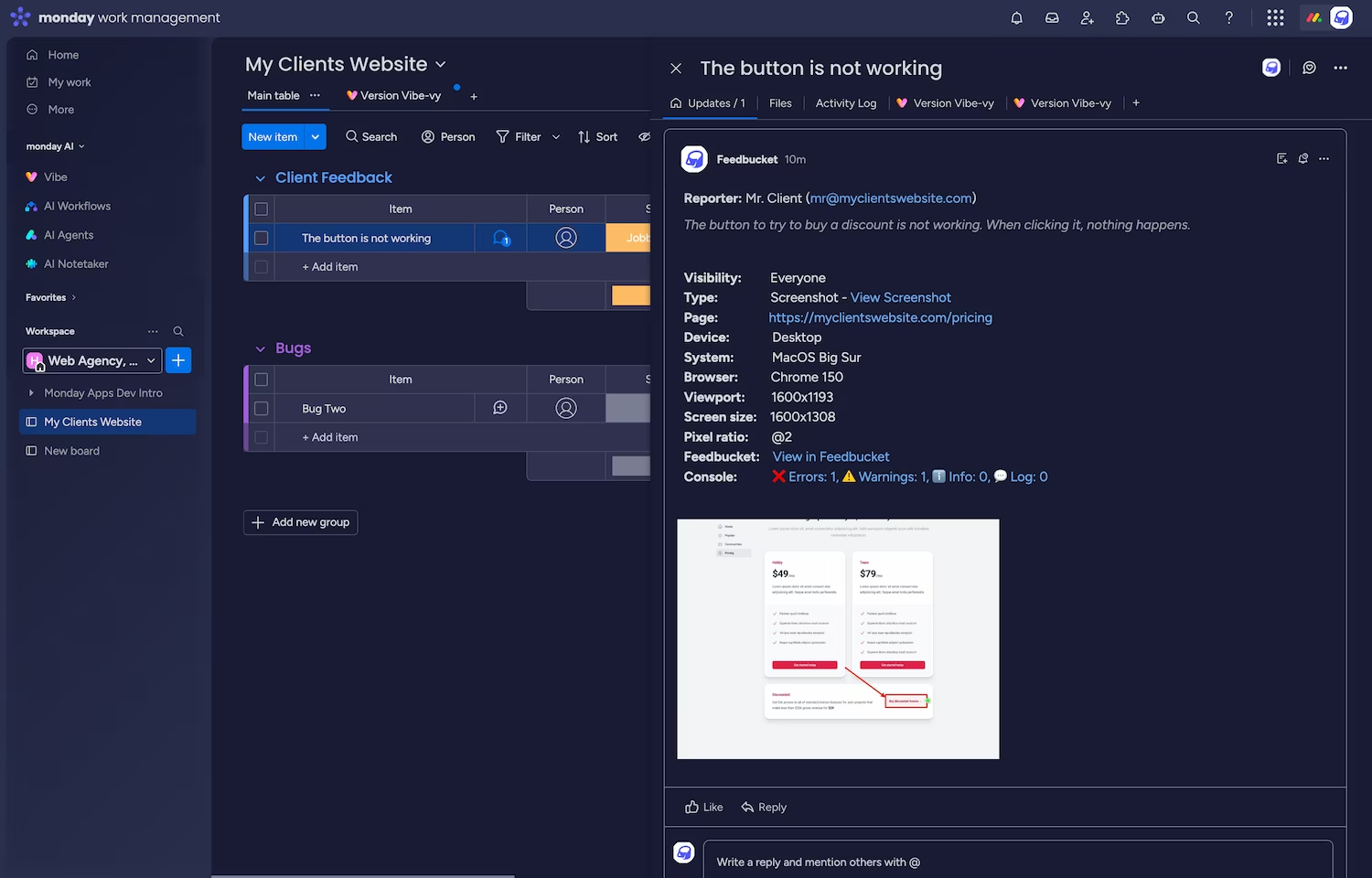
Feedback becomes a task in Monday automatically. It contains all the information your developers need.
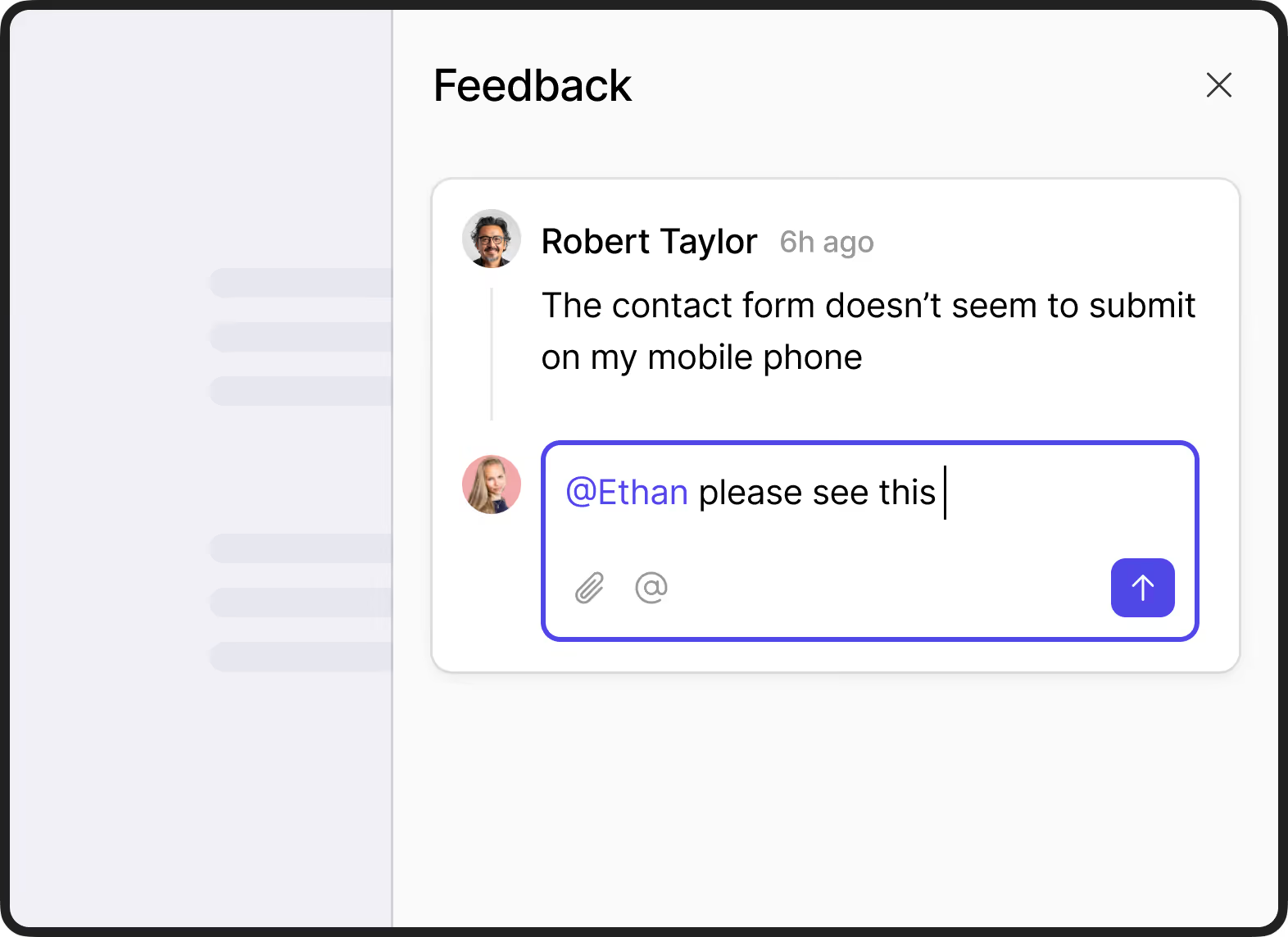
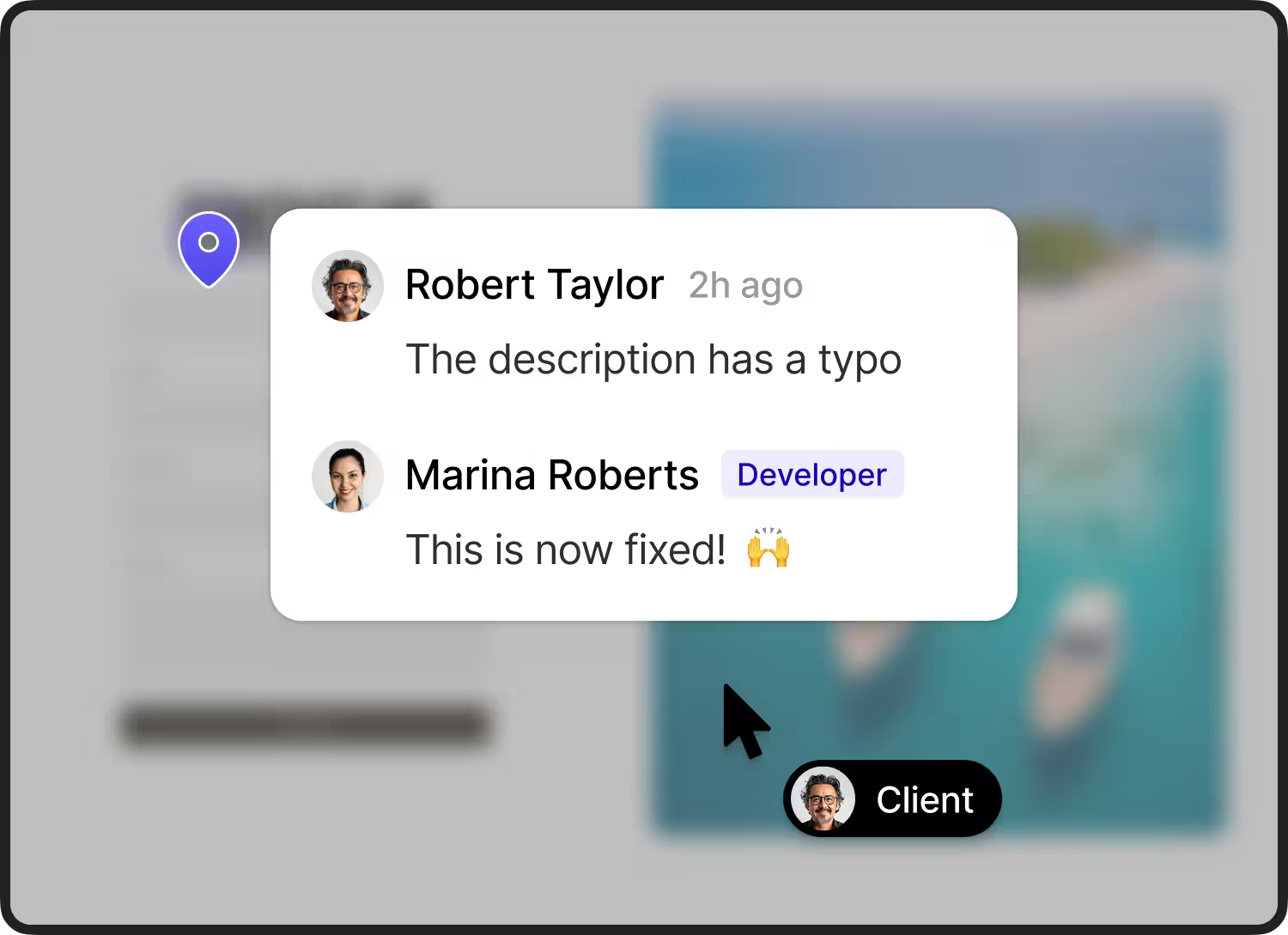
Ask follow-up questions without leaving Monday. Deep two-way sync keeps the client in the loop.
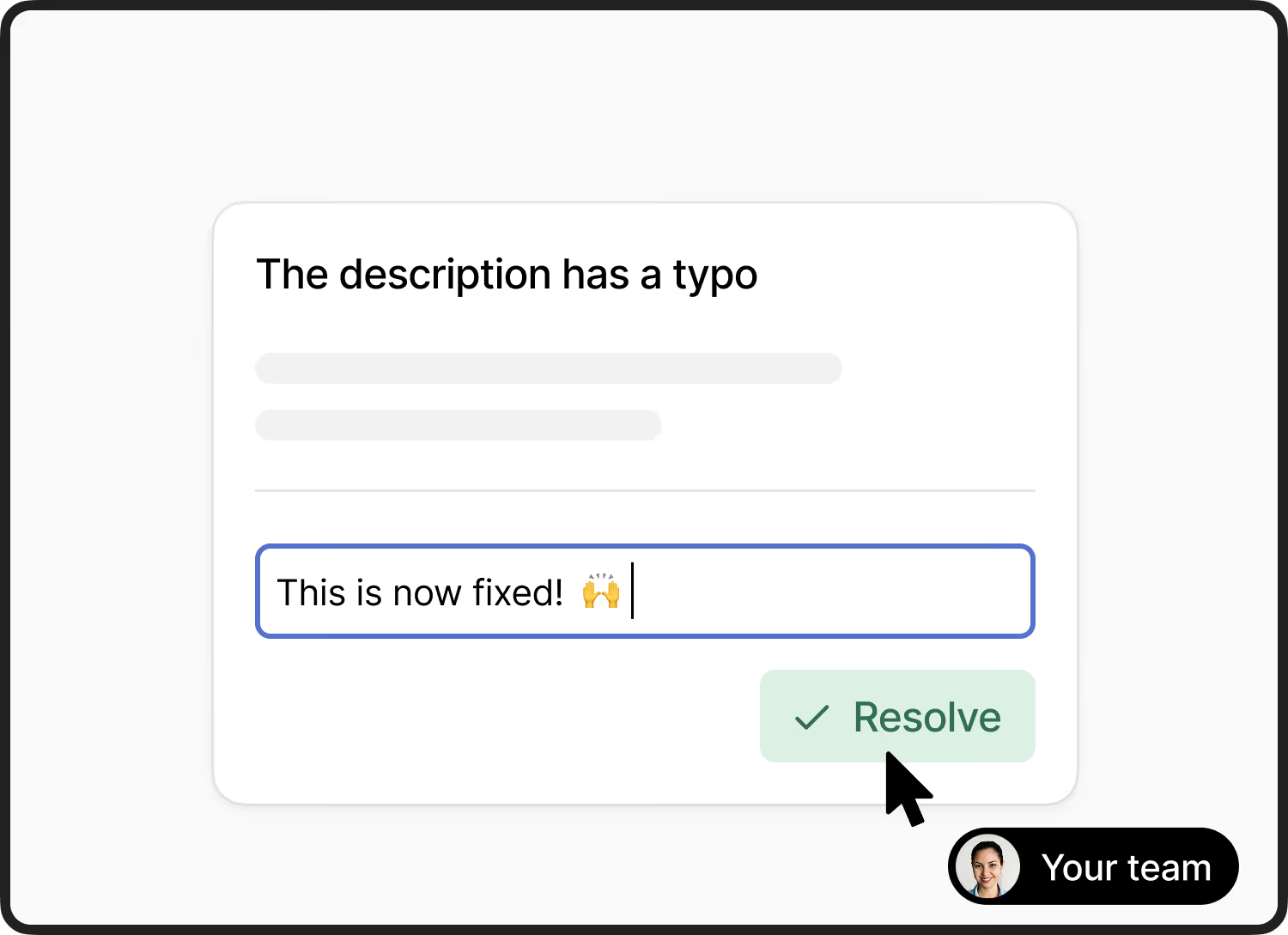
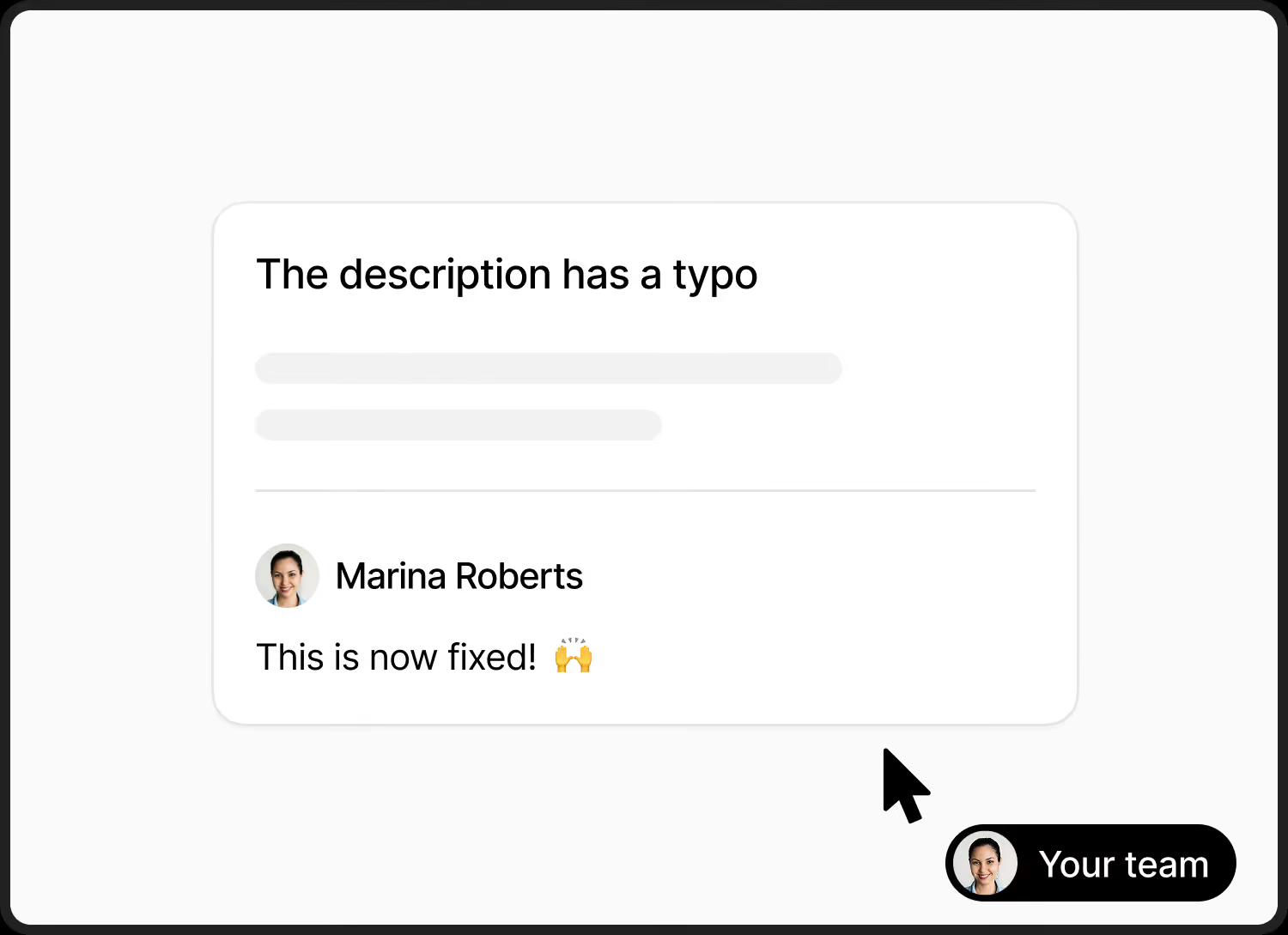
Resolve the feedback from Monday. Your team never has to leave your PM tool to manage it.
No signups or downloads. Clients leave feedback right on the staging site.
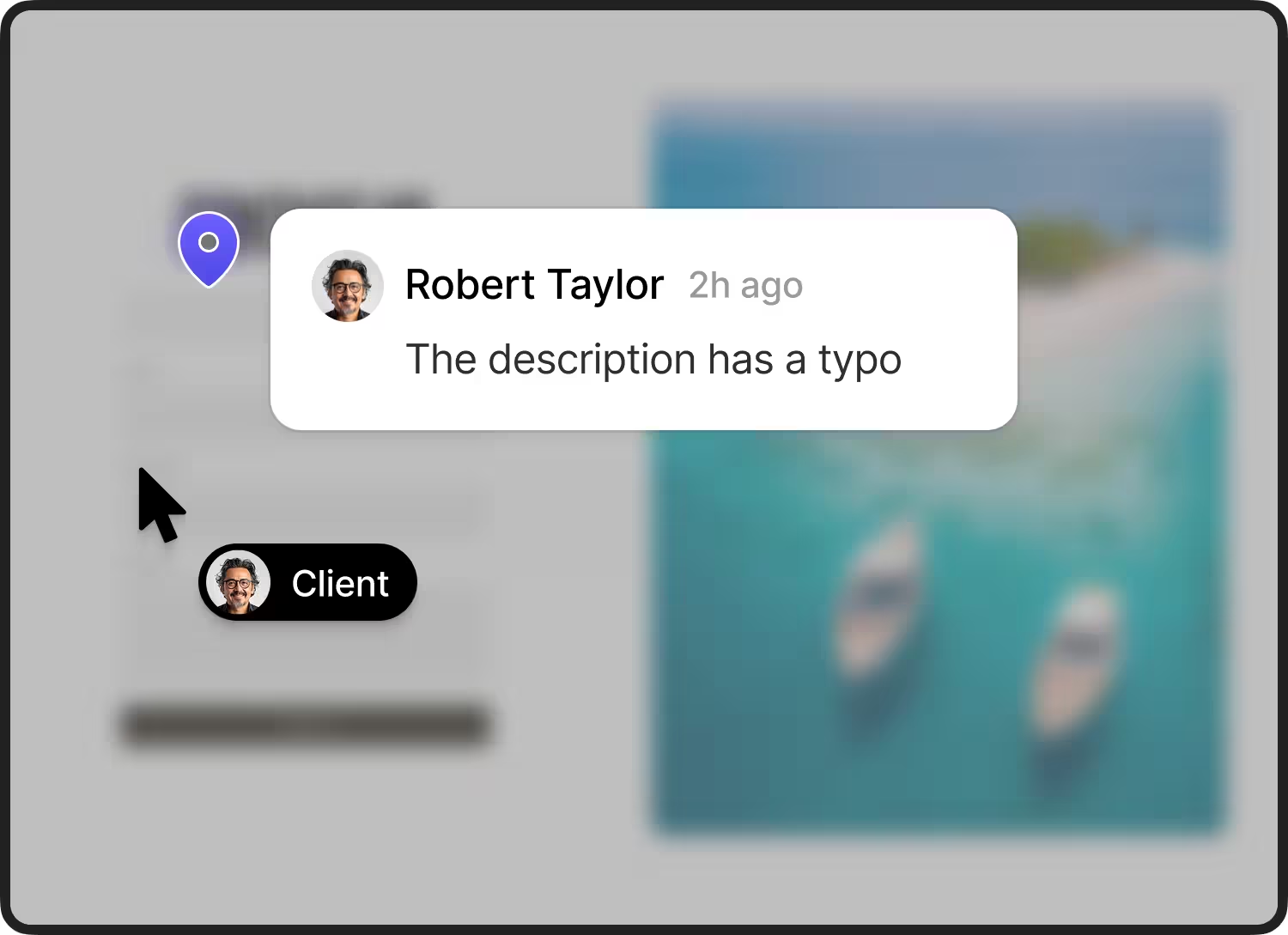
Clients click anywhere on the page to leave comments and annotations. Feedbucket automatically takes a screenshot of what they see.
Feedbucket automatically captures the URL, browser, OS, resolution, console logs, and more when feedback is submitted. Everything your developers need.
Some issues are tough to describe in words. Clients can record a video of the screen (with or without audio) directly in the browser. No downloads or software needed.
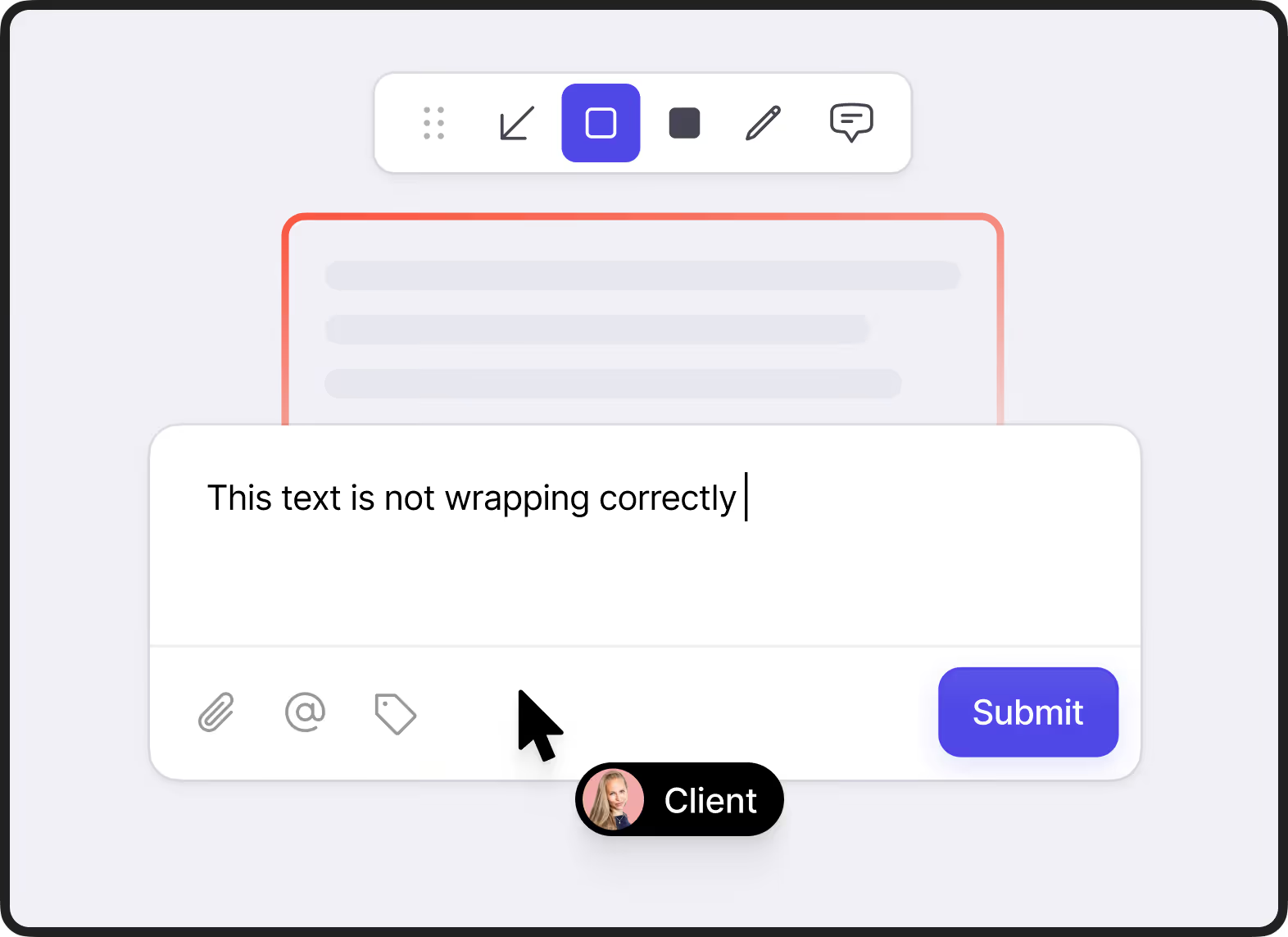
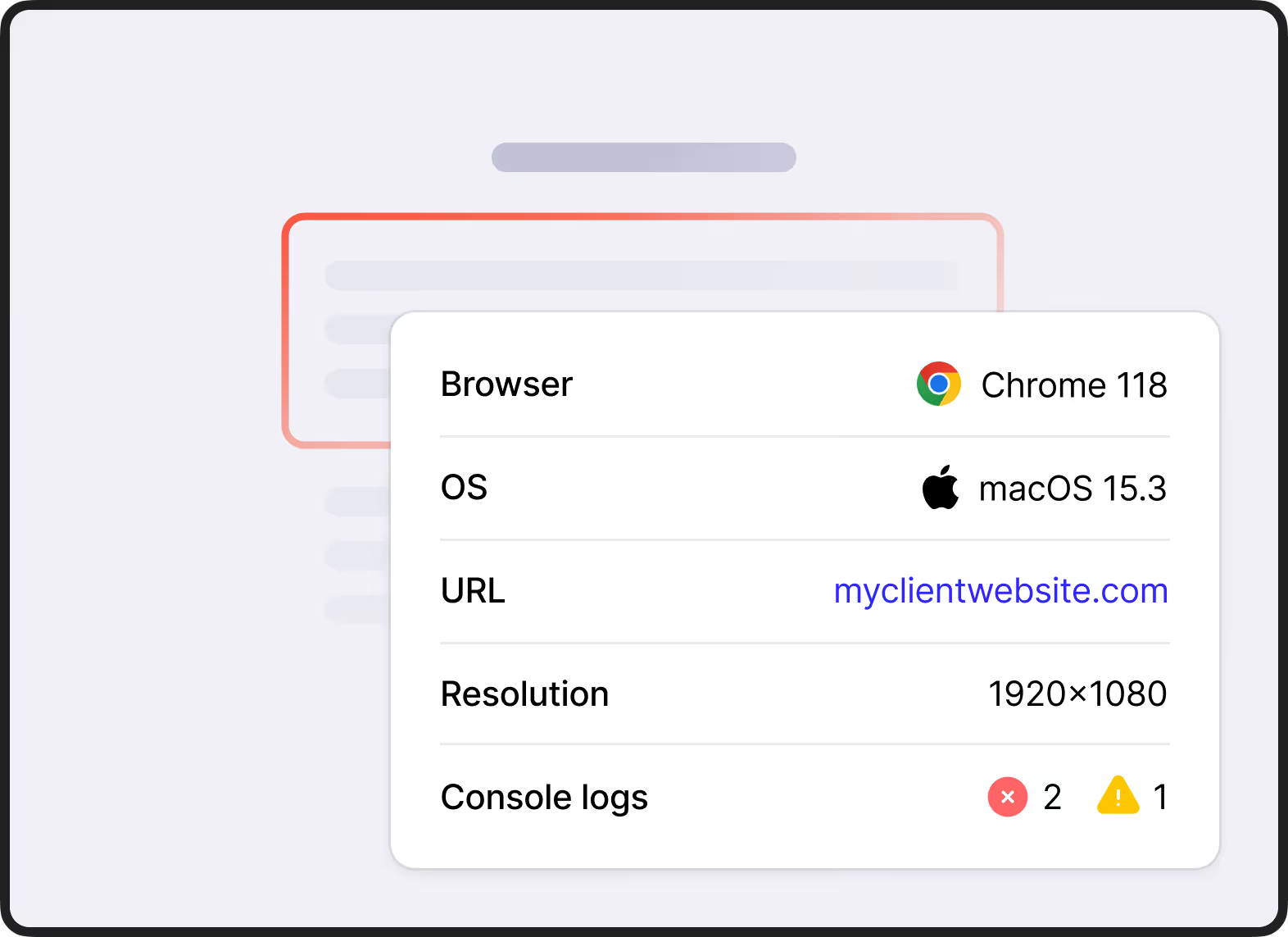
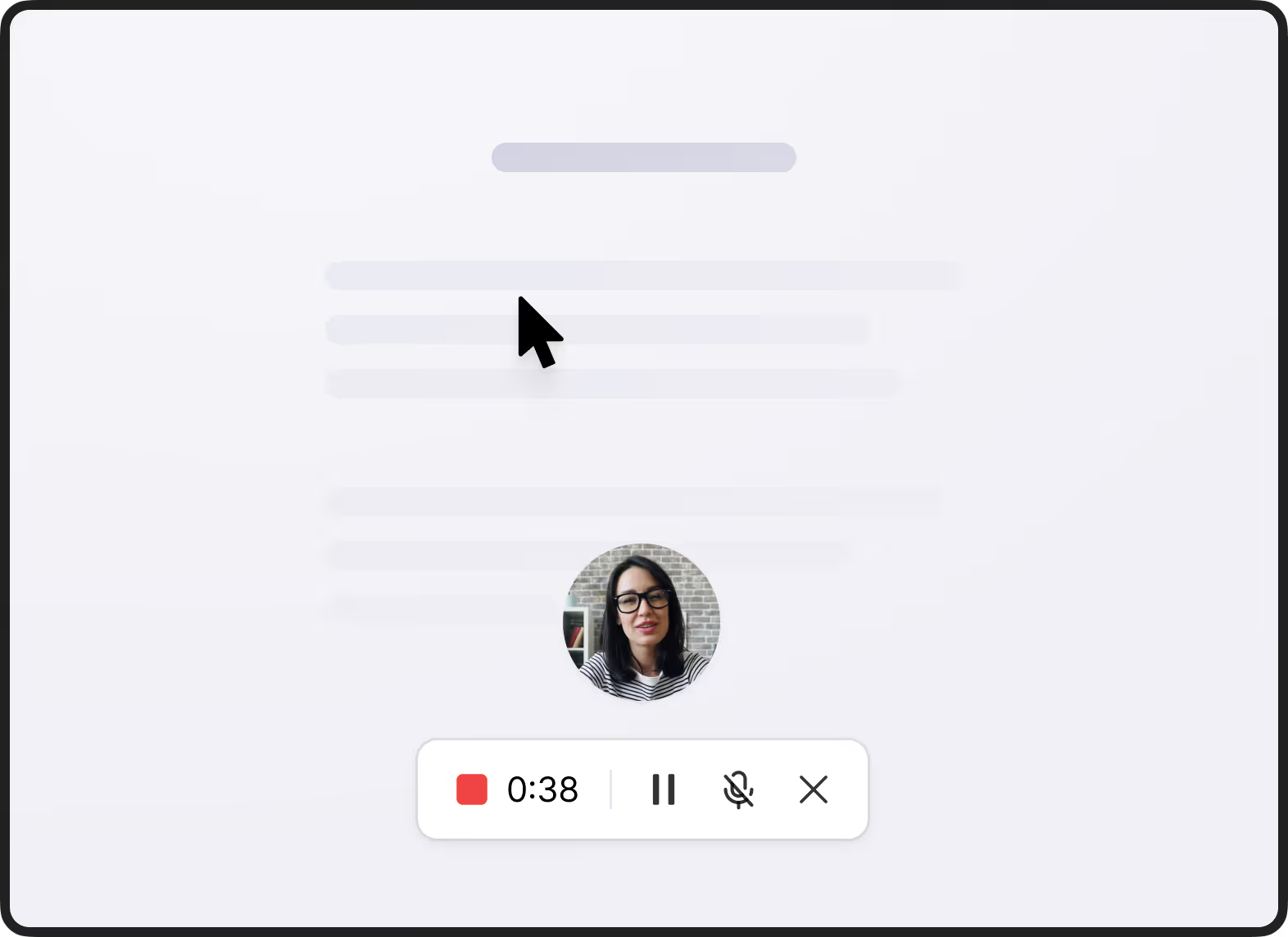
No additional platforms. Clients collaborate on feedback right on the staging site.
Clients, your team, and other stakeholders can comment and reply in one thread per feedback item. All comments sync automatically to the Monday task.
Tag feedback to organize it and mention people to get their attention. Tags can sync with Monday: set a tag in Feedbucket and it appears on the task (or the other way around).
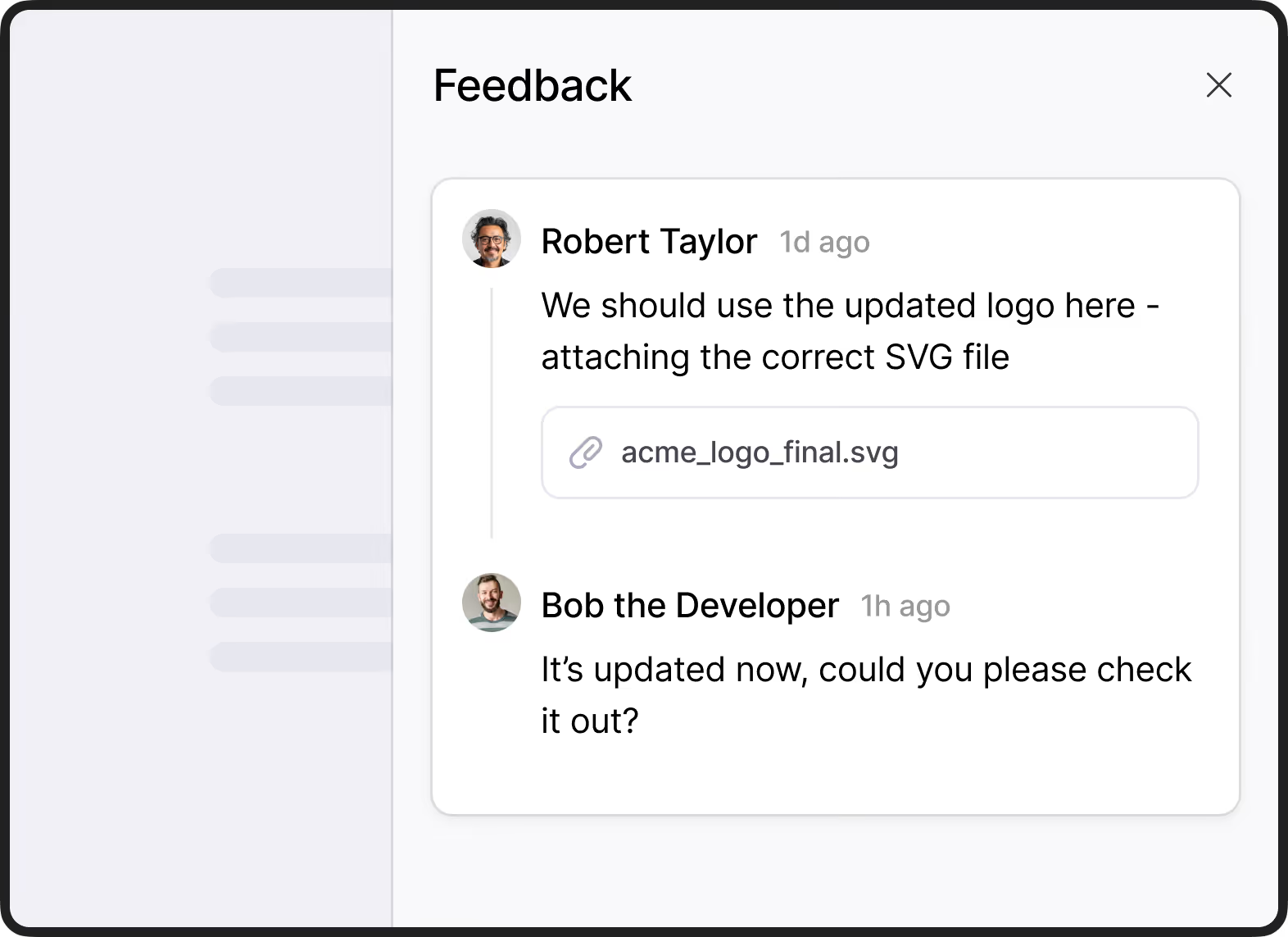
Clients can add attachments when submitting feedback or comments. Feedbucket uploads them straight to the Monday task.
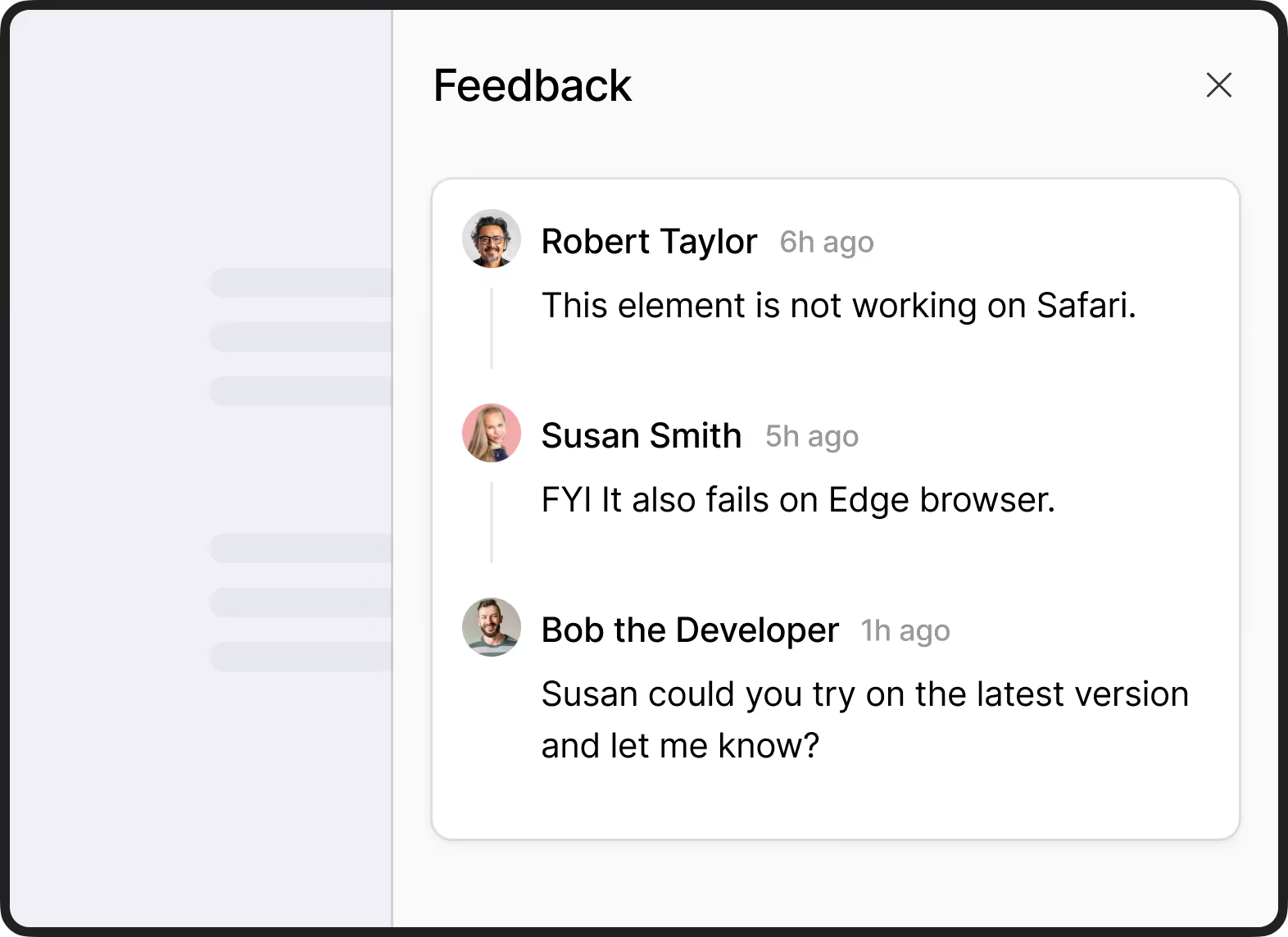


Everything your developers need. As a task in Monday.
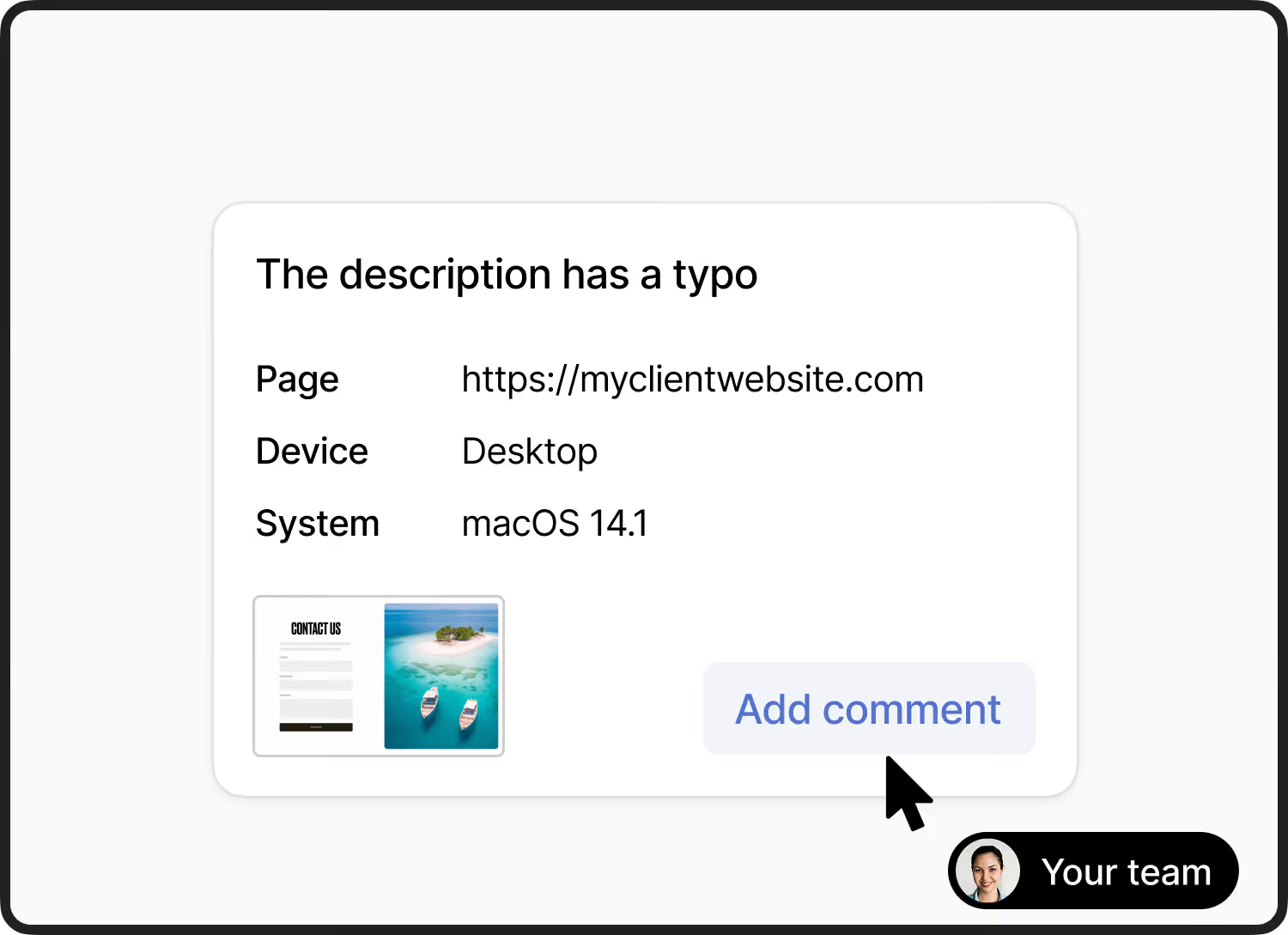
Get all the information that's needed to start working on the issue directly in Monday. Technical information and screenshot are automatically added by Feedbucket to your Monday tasks.
Your team handles the feedback inside Monday
Integrate with Monday in three easy steps
01
Register for a Feedbucket free trial. Start your 14-day trial. No credit card needed.
02
Connect the Monday integration. Click Connect and choose where in Monday new tasks should go.
03
Receive feedback directly in Monday. Every task comes with the screenshot or video and the technical details.
Questions about Feedbucket and Monday
Feedbucket is a website feedback tool that you install on your website. When Feedbucket is installed, visitors can submit feedback using screenshots or videos. Together with the screenshot/video comes technical information such as Browser and device straight into Monday.
To install Feedbucket on your website you just add a script tag to the head of the page. Or, alternatively, you can use our WordPress plugin for a no-code installation. To connect Monday is as easy as clicking on "Connect" and then choosing which board and group Feedbucket should submit tasks into.
Sign up for a 14-day free trial, create a project, and connect the Monday integration. The whole setup takes about 60 seconds.
Sure! Look at the Monday documentation for more information or reach out to us for support.
There is nothing for your clients to install. When you add Feedbucket to your website the client gets everything they need right in their browser.
Yes. Make sure that you decide who can see Feedbucket though. This can be done either with own logic, our WordPress plugin, or by a target query. Reach out to know more.


